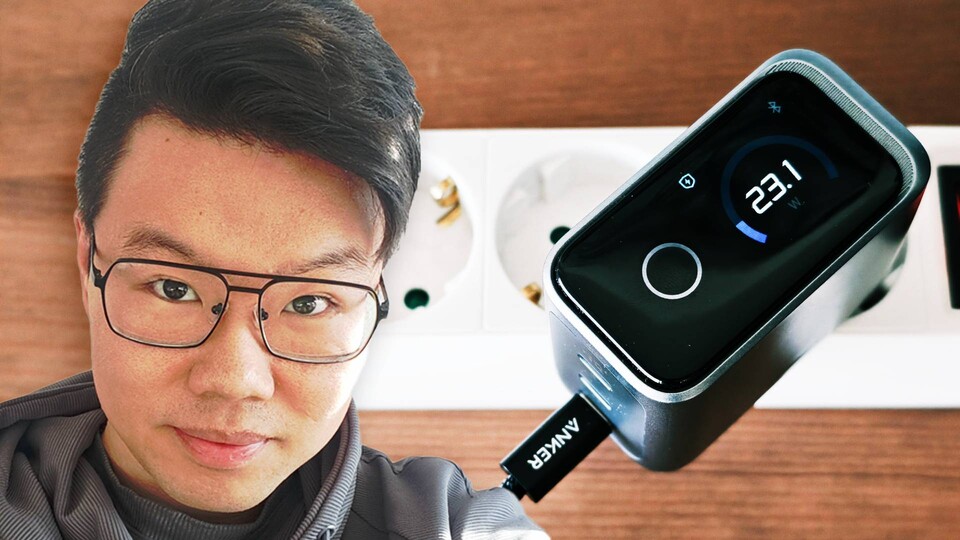
Is it worth spending a lot of money on a charger? I tried a model for 130 euros and although I really appreciated it, not every feature is really necessary. (Image source: Duy Linh Dinh/GameStar Tech)
Remember when every cell phone, tablet, and other device came with chargers? At some point we accumulated a real collection of different models.
Most of them with USB, but here and there one with an exotic barrel plug or whatever else is available. Today things look different.
- The good news: USB-C has established itself as a uniform connection for charging many products.
- The bad news: Many devices are now delivered without a charger; you have to buy one yourself.
There are options in the single-digit to three-digit range. So far I have only used chargers that cost less than 50 euros.
Now I took a closer look at an option for over 100 euros and found: In my opinion, there are at least three good reasons to choose such an expensive USB charger.
For this article I used the Anker Prime 160W charger
Technical specifications
- Overall performance: 160 Watt
- Single port usage: 140 watts (with each connection)
- Connections: 3 x USB-C
- Architecture: GaN
- Connectivity: Bluetooth mit App-Support
- Special features: Built-in display, foldable charging pins, “AI mode 2.0”
Price and availability
- Preis: 130 euros (currently on offer for 104 euros)
- Availability: already in stores
Reason #1: A good charger is worth it in the long term
The charger is no longer part of the standard scope of delivery of many cell phones and other devices.
For example, I was surprised when I unpacked the Asus ROG Xbox Ally X gaming handheld – without the included charging adapter.

8:40
Asus ROG Xbox Ally X unboxing: Wait a minute, something is missing?
For this reason, it makes a lot of sense to get a USB charger that can be used for all your devices in the long term. Even if one with 160 watts of power or more is overkill for most devices, it doesn’t hurt to have more room for improvement.
This way you can also supply laptops, handhelds or other devices with enough energy and save time and money when purchasing new ones.
Reason #2: Charge multiple devices at once
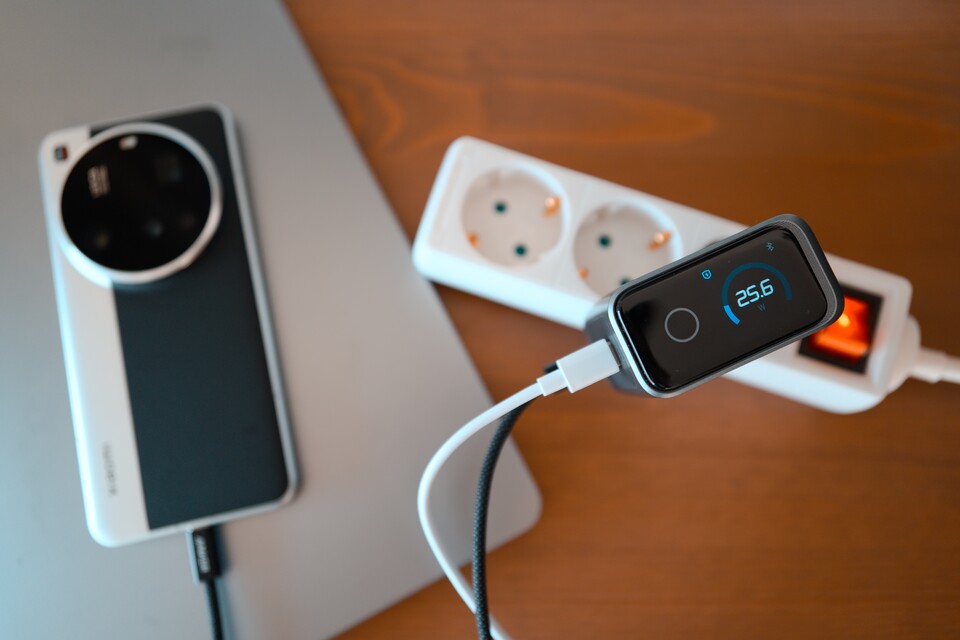
With a good charger you can charge multiple devices at high speed. (Image source: Duy Linh Dinh/GameStar Tech)
A charger with multiple ports logically allows you to charge multiple devices at once.
But what many people don’t know: USB chargers share their maximum power between different ports and not all of them offer the same.
If a charger supports a maximum charging power of 65 watts, it is not uncommon for this to only be available when only a single device is connected. If there are several, the power must be shared and the highest is often only available to a specific connection. This is especially the case with cheaper models.
The Anker Prime charger has three USB-C ports, each of which individually supports a maximum charging power of 140 watts.
If several devices are plugged in at once, the power is shared, but due to the high overall performance, most devices still charge pleasantly quickly via the ports.
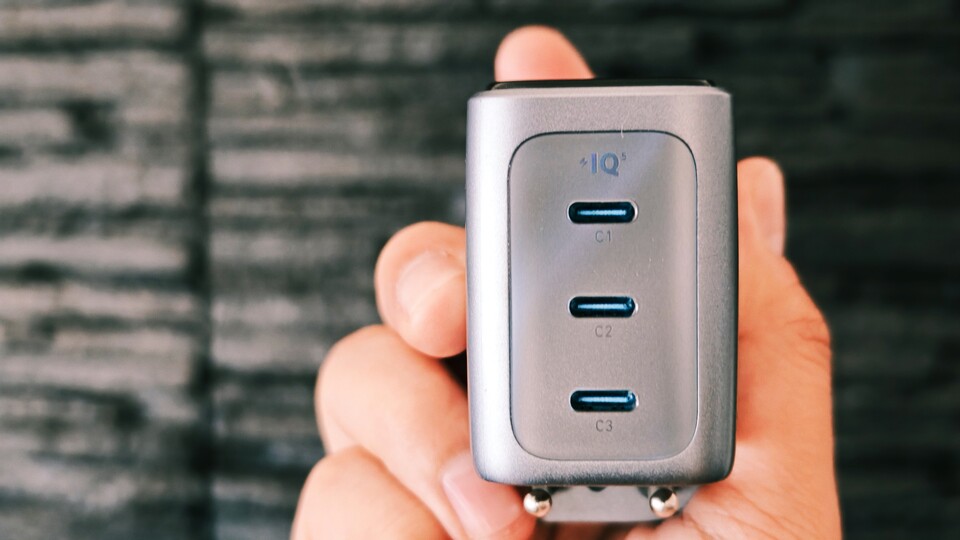
When purchasing, pay attention to which performance is supported by which connection. In this Anker model, all three support a maximum individual charging power of 140 watts. (Image source: Duy Linh Dinh/GameStar Tech)
Two examples from my everyday life
Two devices at the same time: If two devices are connected at the same time, either each connection charges with 70 watts each or one with 100 and one with 60 (selectable in the app). The performance is sufficient for most devices.
I often use this when I’m playing with a handheld on the sofa while my phone or laptop is charging.
Three devices at the same time: If three devices are connected, one connection offers 100 watts and the other two each offer 30. This means I can, among other things, quickly charge my power bank and my headphones while I work on my laptop.
Reason #3: Space savings
Despite the high charging power, so-called GaN chargers (gallium nitride) are very compact. They are a little more expensive, but you don’t have to carry around a large power adapter just to charge your work laptop.
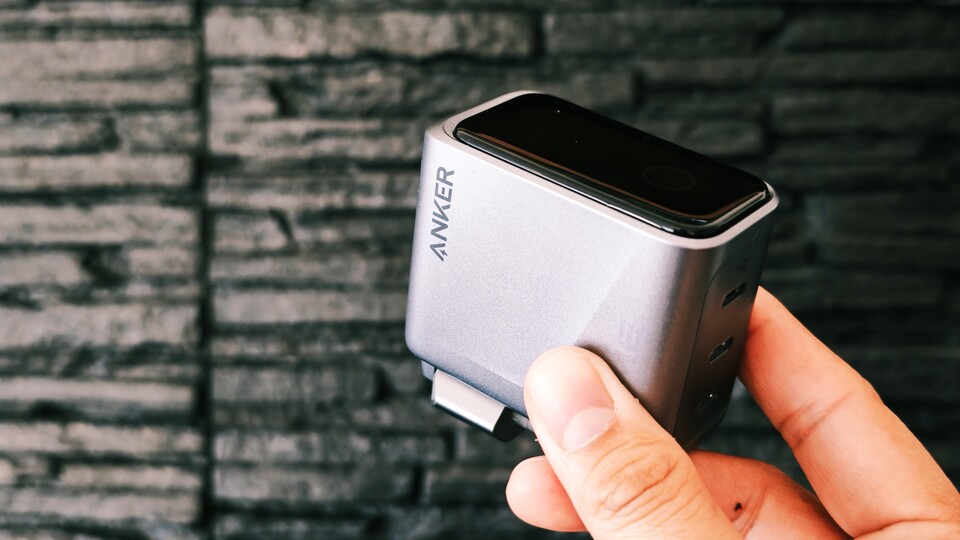
Some chargers have foldable charging pins, which save additional space in your bag. (Image source: Duy Linh Dinh/GameStar Tech)
If you also choose a device with high charging capacity, you will not only save space in your bag thanks to its design, but also by not having to use multiple chargers.
When I travel, I now only carry this one Anker charger with me, which I can use to charge my cell phone, handheld, e-reader, power bank, camera and laptop.
Chargers with AI? “Practical” features that aren’t really necessary
There are far cheaper options than the Anker model I tried that combine exactly these three reasons mentioned, without a three-digit price tag. Some of the features drive it up that sound useful in theory, but are rarely necessary in practice.
Built-in display: The Anker Prime charger has a small LC screen that is operated with a single touch button. You can switch between the different functions at the touch of a button:
- Monitor overall performance
- Monitor performance of each port
- Monitor temperature
- Switch charging mode with a double tap (AI automatic / priority on C1 connection)
- Enable/disable Bluetooth
Although some functions are quite interesting – such as the ability to see how much power individual devices actually use when charging – they make no difference in practice. My devices are charging and that’s the most important thing.
The built-in display is controlled with the round touch button underneath. (Image source: Duy Linh Dinh/GameStar Tech)
Bluetooth and app support: You can connect your cell phone to the Anker Prime charger via a Bluetooth connection for the following functions:
- Install firmware updates. In the last one, the “AI mode” when charging two or three devices was improved.
- Change charging mode or adjust the performance of the connections yourself.
- Change screen settings such as brightness and timeout.
The automatic system does a satisfactory job of charging my devices. In everyday life there was never really a reason to look at the app.
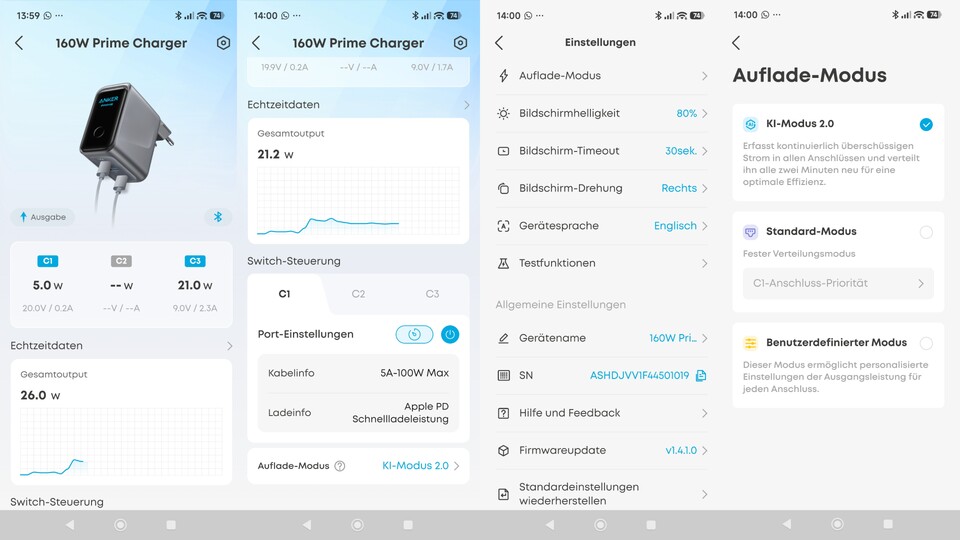
The Anker app offers some interesting insights and control options. (Image source: Duy Linh Dinh/GameStar Tech)
A charger with “AI”? Yes, even chargers these days come with “AI”. In AI mode, the Anker Prime charger checks every two minutes what power the connected devices need and then redistributes it – via AI.
It is questionable whether any form of machine learning is really used here. What is clear to me personally: A charger does not need AI.
Alternatives with fewer bells and whistles
If you can do without such additional functions, then go for cheaper options that do not require a screen, Bluetooth and AI.
A suitable choice would be the UGREEN Nexode X 160 watt charger. This model charges several devices at once, offers high overall performance, is particularly compact thanks to GaN technology and costs less.
Another option would be the Verbatim GaN Charger 140 W. This offers at least two connections with 140 watts of individual power. But it costs less than 50 euros.
A good charger is worth it – but not every feature is necessary
A good charger is particularly worthwhile as a central power source for everything: a compact GaN power supply with enough overall power and several ports replaces several bulky power supplies and makes your life easier when traveling or at your desk.
But: You don’t necessarily have to spend three-digit amounts on it. In the end, three things are more important than the display, app or “AI”: enough power per connection, enough ports for your everyday life and support for common fast charging standards.
If that fits, a cheaper, no-frills model often works just as well.
The Best Online Bookmakers April 09 2026
 Bonus€500+ 200 Free spins |
 Bonus€1,000 |
 Bonus€1,000 |
 The SPARC fusion reactor is the infrastructure of the future for the AI era
 Galaxy Tab S10 Lite is really cheap right now
 Why I use a fan in winter and why I especially rely on this model!
 Spotify is increasing its prices again in the USA – what that means for us
 Dead Cells Studio surprises with a roguelite insider tip