Although it seems unbelievable, Google Drive does not yet support Windows-style copy / paste commands using applicable keyboard shortcuts.
Google has announced the activation of support for keyboard commands in the web interface of the Google Drive service. This will allow you to copy and move files in Google Drive, as if you were using Windows Exporer to access files on your hard drive.
These are the well-known CTRL + C, X and V commands, which any PC user uses virtually reflexively when moving / copying files. According to the company, the new feature will be available to all Google Drive users starting June 4th.
Invented in the 1970s, keyboard shortcuts used to manage file collections are supported by virtually any file manager, such as those for the Linux platform. Instead, retrieving these commands from the web storage services’ cloud interface has been hit by incompatibilities with archaic software elements that have been used for many years to process those orders offline.
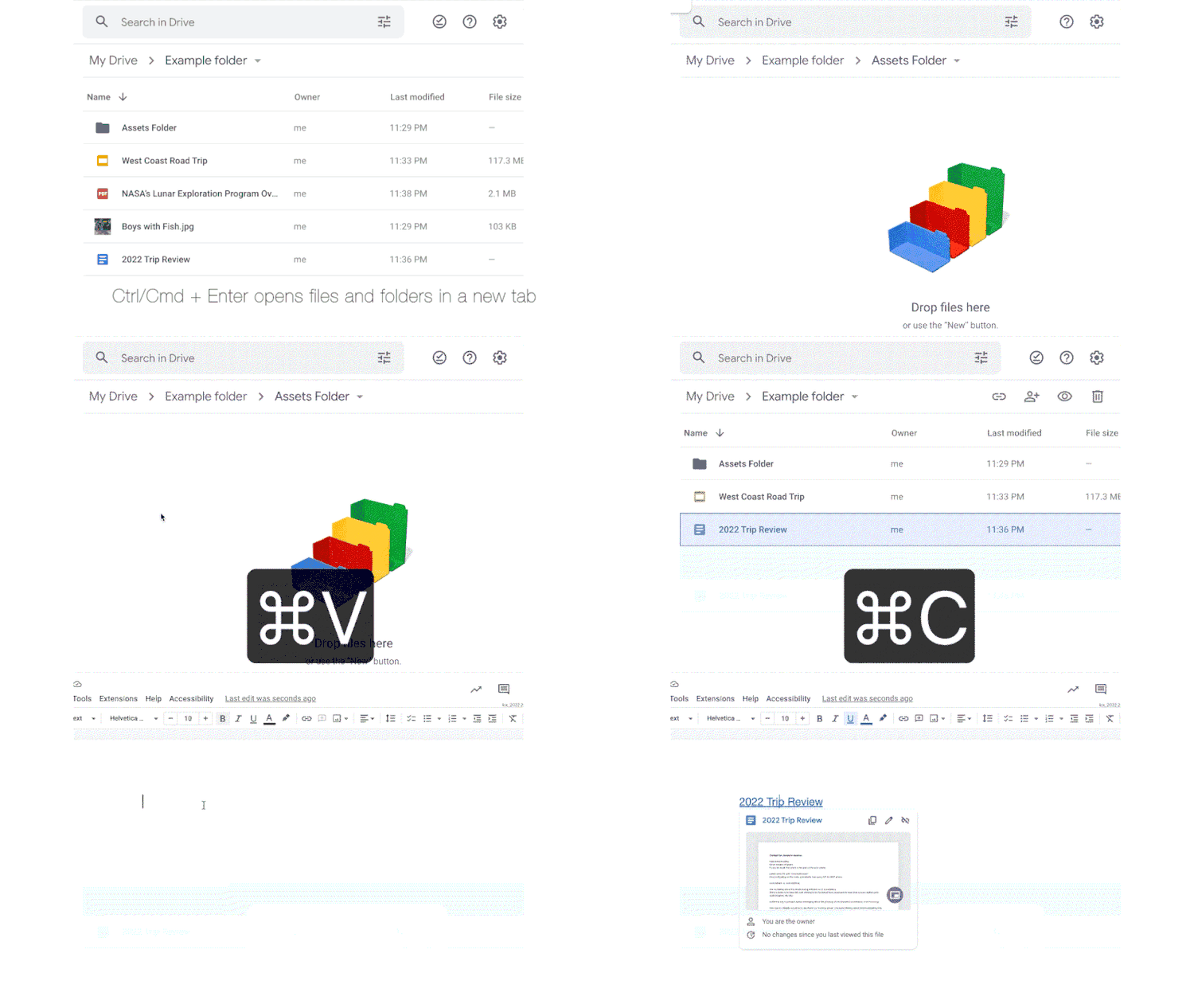
The good news is that, although much delayed, the implementation of keyboard commands is as complete as possible. For example, users can initiate CTRL + C in one tab and CTRL + V in another Google Drive tab, as if they were using different Windows Explorer windows but open in the web browser. Once downloaded, the command to move or copy files is processed at the server level, without the file being moved or copied from one folder to another actually going through the internet connection.
The Best Online Bookmakers March 09 2026
 Bonus€500+ 200 Free spins |
 Bonus€1,000 |
 Bonus€200 |
 Why I use a fan in winter and why I especially rely on this model!
 Spotify is increasing its prices again in the USA – what that means for us
 Dead Cells Studio surprises with a roguelite insider tip
 Getting started with a world-famous card game is only cheap today!
 The chain letter warning will also spread in 2026, that’s what’s behind it